
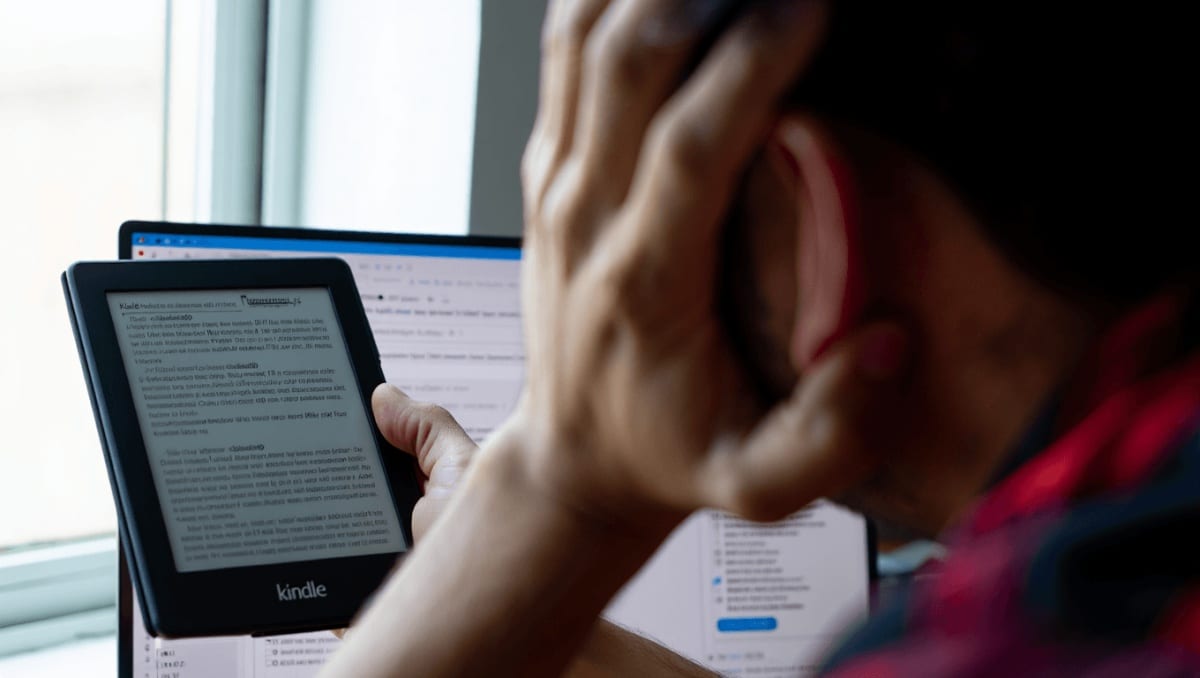
Amazon will stop providing technical support for a group of older Kindle models on May 20, which will limit those devices to reading books already stored on them. That change has driven a surge of users looking to “jailbreak” their e-readers to restore features and install third‑party apps.
The change matters now because unsupported devices lose access to remote services and updates, constraining how owners use hardware they bought—and prompting technical workarounds that carry risks and legal questions.
- Kindle (1st Generation)
- Kindle (2nd Generation)
- Kindle DX
- Kindle DX Graphite
- Kindle Keyboard
- Kindle 4
- Kindle 5
- Kindle Touch
- Kindle Paperwhite (1st Generation)
- Kindle Fire (1st Generation)
- Kindle Fire (2nd Generation)
- Kindle Fire HD 7
- Kindle Fire HD 8.9
Why owners are turning to jailbreaking
For many readers, jailbreaking is a way to extend the life of a working device rather than replace it. With official channels closing, some see it as the only practical route to regain lost conveniences—like installing alternative reading software or supporting additional file formats.
But jailbreaking is technical and uneven: it won’t work on every firmware version or model, and mistakes can render a Kindle unusable. Anyone considering it should confirm compatibility and understand the risks before taking action.
What the process typically involves
Enthusiast communities have developed methods that bypass Amazon’s built‑in restrictions. The typical approach follows several broad steps—described here at a high level, not as a how‑to.
- Check compatibility: Confirm whether the specific device and firmware are known to accept modifications.
- Isolate the device: Keep Wi‑Fi off or use airplane mode to prevent automatic updates that could remove any exploit.
- Obtain software from reputable sources: Users generally download a jailbreak package and any supporting files from trusted forums and developer communities.
- Transfer files locally: Files are typically copied to the Kindle via USB rather than downloaded on the device itself.
- Install management tools: Many people add a community launcher to manage apps and then install alternative readers such as KOReader to expand format support.
Experienced users stress the importance of sourcing files from respected forums and reading community guides carefully. Even then, outcomes vary by device and the specific method used.
Drawbacks and alternatives
There are real trade‑offs. Running unofficial code can lead to instability, unexpected crashes, reduced battery life or, in the worst case, a permanently bricked device. Jailbreaking may also violate Amazon’s terms of service, and legal consequences depend on local law—especially if circumvention enables copyright infringement or the distribution of modified devices.
Safer options exist for users who simply want to keep reading without altering system software.
| Option | What it does | Pros and cons |
|---|---|---|
| Sideloading | Copy e‑books to the Kindle via USB from a computer | Easy and preserves warranty; no system changes but limited to locally stored files |
| Buy a newer reader | Replace unsupported hardware with a current model | Full access to services and updates, but involves expense |
| Use an alternative e‑reader | Switch to devices such as Onyx Boox or Vivlio, or compact attachments like the Xteink X3 | More features and modern support; compatibility and price vary |
If you decide to explore community solutions, proceed cautiously: research thoroughly, prioritize reputable sources, and be prepared for the possibility that a device may no longer function as expected. This article is for informational purposes and not a recommendation to modify any product.